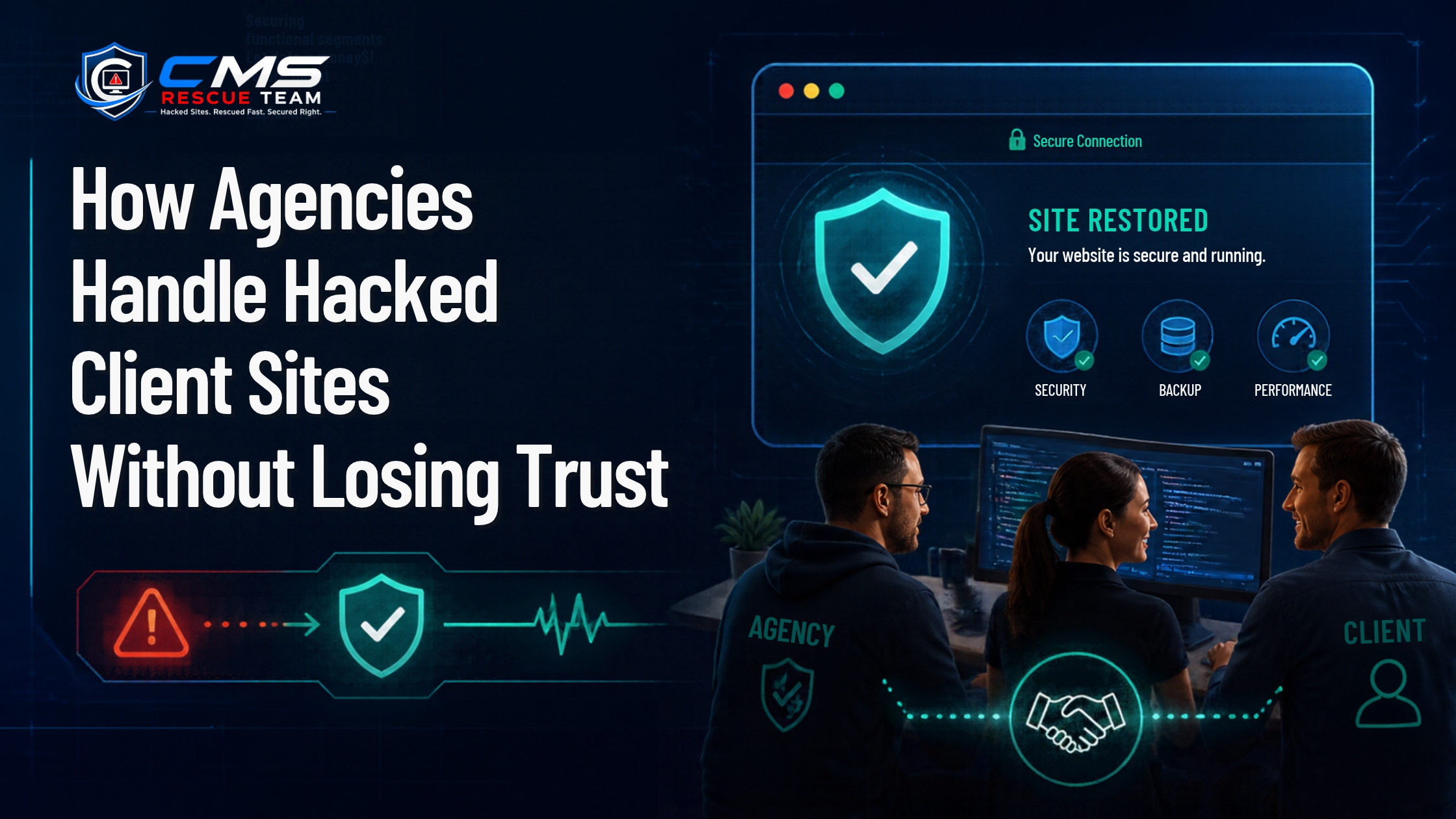
How Agencies Handle Hacked Client Sites Without Losing Trust
A Client Website Was Hacked. What Should Your Agency Do?
Few messages create more pressure for a digital agency than:
“Our website has been hacked. Can you fix it?”
Your client may be seeing spam pages, strange redirects, unknown administrator accounts, or a Google security warning. They may be unable to access their website, losing leads, or worried that customer information has been exposed.
At that moment, your client is not only judging the technical solution.
They are judging how your agency responds.
Do you have a clear process? Can you explain what happened? Do you know how to restore the website safely? Can you prevent the same problem from happening again?
Stay Calm and Take Control
The first step is to acknowledge the problem quickly.
Let your client know:
- You are investigating the issue
- The website should not be changed randomly
- You are protecting evidence and access
- You will provide updates at agreed times
- A recovery specialist is being involved if necessary
Avoid making promises before the infection is understood. Saying “we’ll have it fixed in ten minutes” may sound reassuring, but it can damage trust if the problem is more complex.
A better message is:
“We have identified signs of a compromise. We are reviewing the files, database, hosting access, and recent changes so we can remove the infection without creating additional damage.”
Ask the Right Questions
Before beginning agency hacked client cleanup, gather:
- What exactly is the client seeing?
- When did the issue begin?
- Is the website redirecting visitors?
- Does Google show a warning?
- Can anyone still access the dashboard?
- Has the hosting provider suspended the account?
- Were any passwords recently changed?
- Was a backup recently restored?
- Are payment forms or customer accounts involved?
- Has anyone already deleted files or installed security plugins?
These answers help determine whether the issue is malware, a compromised account, a server problem, a plugin vulnerability, or a combination of issues.
Do Not Restore a Backup Too Quickly
Restoring a backup may appear to be the fastest solution, but it can create a bigger problem if the backup is already infected.
Before restoring, your team should determine:
- When the infection began
- Whether the backup predates the attack
- Whether the vulnerability still exists
- Whether database content is infected
- Whether hosting or FTP credentials were compromised
If the original entry point remains open, the website may become infected again shortly after restoration.
Know When to Outsource Website Security
Web design, SEO, hosting, and maintenance teams are not always equipped for forensic malware analysis.
If your agency does not have the right tools or experience, outsource website security rather than guessing. A specialized website security company can help with:
- WordPress hack fix
- Removing malware from a website
- Backdoor detection
- Database cleanup
- Unauthorized admin removal
- Google blacklist removal
- Server and hosting review
- Post-cleanup hardening
Specialized support allows your agency to remain the client’s trusted point of contact while experienced technicians handle the technical recovery.
Consider White-Label Malware Removal
For agencies managing multiple client websites, white-label malware removal can provide behind-the-scenes support without forcing you to build an in-house security team.
A reliable partner may offer:
- Confidential agency support
- White-label reporting
- Emergency response
- Malware cleanup
- Website recovery
- Security hardening
- Ongoing monitoring
- Client-ready documentation
A website security reseller program can also help agencies add security services to their offering without hiring full-time specialists.
Communicate More Than You Think You Need To
Clients rarely expect every technical detail, but they do expect communication.
Provide updates about:
- What was discovered
- What has been cleaned
- Whether the website is online
- Whether Google warnings remain
- What risks were identified
- What protection has been added
- What the client needs to do next
Avoid overwhelming the client with code or unfamiliar terms. Explain the issue in business language: downtime, reputation, search visibility, customer safety, and prevention.
Protect the Relationship After Recovery
The cleanup is not complete when the homepage loads again.
After recovery, recommend:
- New administrator and hosting passwords
- Two-factor authentication
- Plugin and theme updates
- Removal of unused software
- Verified clean backups
- Security monitoring
- Regular vulnerability scans
- A documented emergency response plan
Ask your client:
“What would make you feel confident that this website will not be compromised in the same way again?”
That question moves the conversation from emergency repair to long-term protection.
Need a Reliable Security Partner?
CMS Rescue Team supports agencies with WordPress, Joomla, Magento, and Moodle recovery.
Services include white-label malware removal, hacked client cleanup, Google blacklist removal, emergency website repair, and website security hardening.
Contact CMS Rescue Team to discuss agency support.
Your client may remember that their website was hacked. They will also remember how professionally your agency handled it.