Google Security Warning
“This site may be hacked” or “Deceptive site ahead” warning appears in search or the browser.
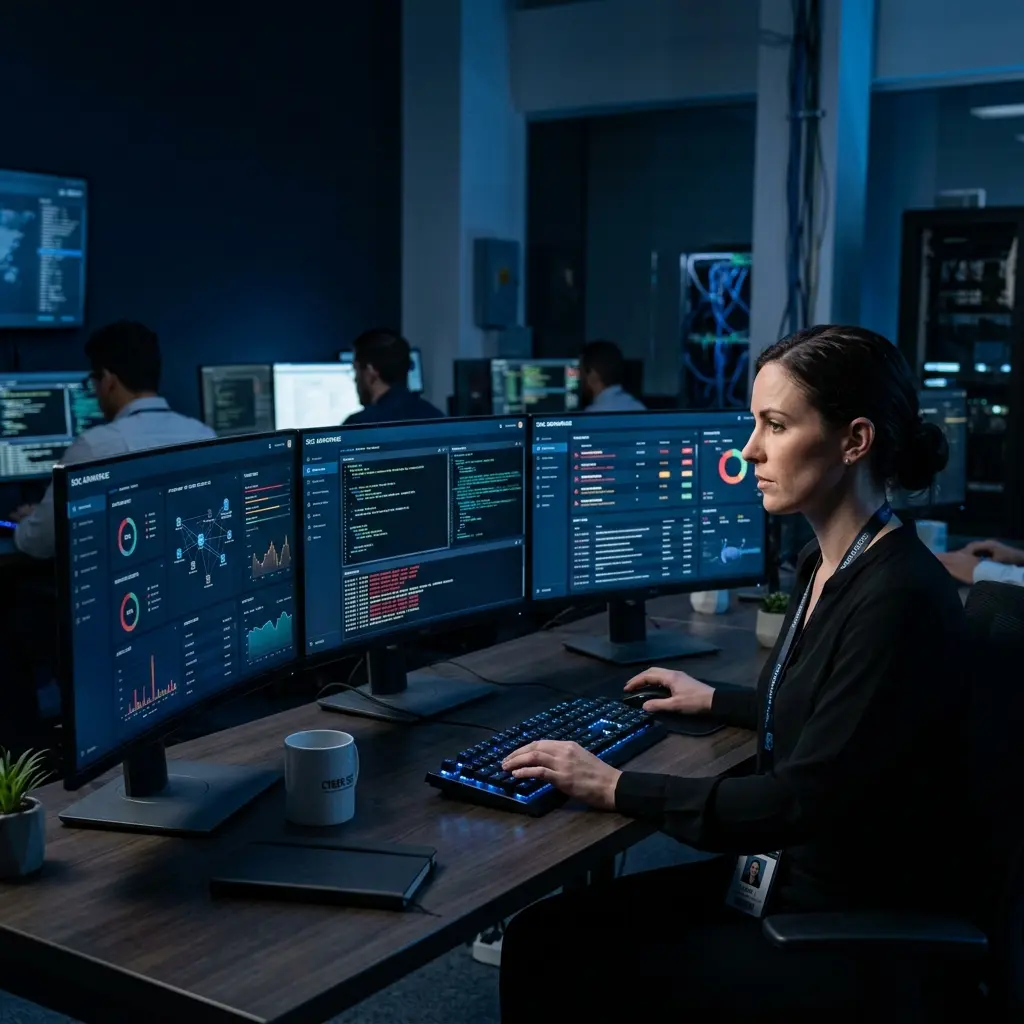
Emergency malware removal and hack recovery for WordPress, Joomla, Moodle and Magento websites—fast, guaranteed and built to stop the same attack from happening again.
If your site was defaced, blacklisted by Google, suspended by your host or is redirecting visitors to spam, our recovery team can diagnose the infection, remove malicious code and secure the website.
If you're seeing any of these, don't wait — every hour a hacked site stays live increases the damage to your rankings, reputation, and revenue.
“This site may be hacked” or “Deceptive site ahead” warning appears in search or the browser.
Your homepage redirects visitors to spam gambling, pharmacy, adult or other spam websites.
Strange pages, keywords or languages appear in Google results even though you never created them.
You are locked out of the WordPress admin (wp-admin) or CMS dashboard, or your password no longer works.
New admin users, plugins, themes or extensions appear without your authorization.
Your hosting company takes the site offline or sends a malware-abuse warning.
Traffic suddenly collapses or spikes because of spam pages, bots, or search manipulation.
Security issues, manual actions or an unexplained spike in indexed pages appear.
We specialize in hack recovery and malware removal—not general web design. That focus means faster diagnosis, faster cleanup and stronger protection against reinfection.
We scan your full site, database, and server files to find every point of infection.
We strip out malicious code, backdoors, and spam injections, and restore clean functionality.
We harden your site against reinfection and get you off any Google blacklist.
Getting hacked is stressful enough — the price of getting help shouldn't be. WordPress site cleanup starts at just per site, and we back every job with a simple promise:
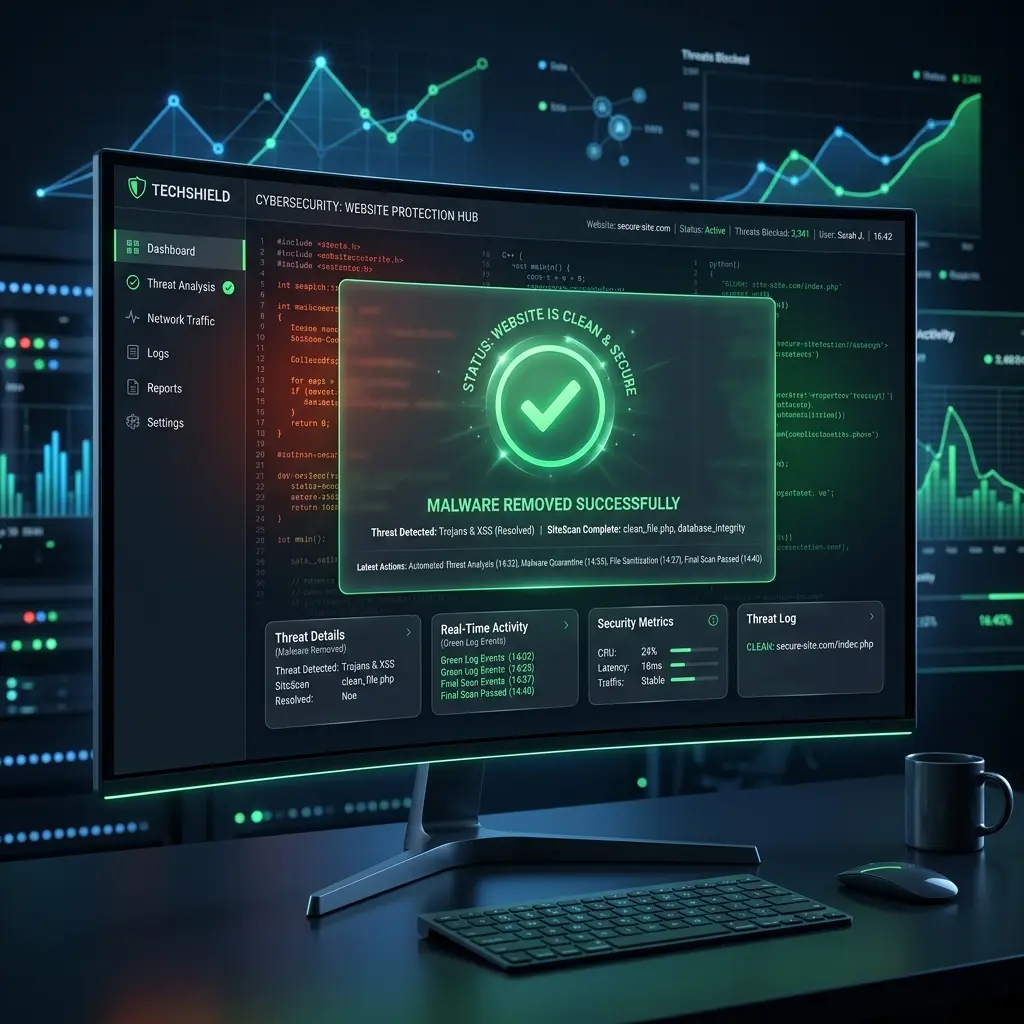
Different platforms are attacked in different ways. Our cleanup process is adapted to the CMS, hosting environment and infection type.
The most targeted CMS on the internet — and our deepest specialty. We remove malware, pharma hacks, Japanese keyword spam, backdoor scripts, and unauthorized admin accounts, then patch the vulnerability that let it in.
Get WordPress help →From compromised extensions to injected redirect scripts, we clean Joomla installations at the core, template, and database level and rebuild your site's integrity.
Get Joomla help →Magento hacks often mean stolen customer and payment data. We prioritize these cases — removing skimmers, malicious admin users, and infected extensions, and helping you meet PCI compliance again.
Get Magento help →We clean compromised Moodle instances used by schools and training platforms, removing injected content and locking down user and course data.
Get Moodle help →this is all we do, every day, across four major CMS platforms
hacks don't wait for business hours, so neither do we
once our initial analysis is complete and you approve the scope, your site is fixed within 1 hour
most standard hacks resolved same-day
we handle the Search Console reconsideration request for you
firewall, login protection, and monitoring setup to prevent round two
you get a full breakdown of what was infected and what we changed
real people, real urgency, no offshore ticket queues
If you've already been through a hack recovery that didn't stick - reinfections, slow replies, vague explanations, or a bill that kept growing - we get it, and we built our process to fix exactly that experience.
Give us a try, and we're confident you'll walk away with the feeling you finally made the right decision.
Switch to CMS Rescue TeamA clear incident workflow keeps the recovery controlled, documented and easy to understand.
Submit your site via the contact form (2 minutes).
Our team reviews the infection and confirms scope, usually within 1 hour of submission.
Once you agree to move forward, the 1-hour fix guarantee begins.
Cleanup, restoration, and blacklist removal delivered within the guaranteed 1-hour window.
With a report and hardened security setup.
Monthly monitoring plans available.
CMS Rescue Team follows globally recognized cybersecurity frameworks, certified ethical hacking methodologies, and authoritative guidelines from top industry sources.
Our vulnerability remediation and malware sanitization strictly adhere to OWASP (Open Worldwide Application Security Project) standards against SQL injection, cross-site scripting (XSS), and broken access controls.
All server, Apache/Nginx, and PHP configuration hardening follows Center for Internet Security (CIS) distribution benchmarks to block brute-force attacks and privilege escalations.
Our senior security analysts utilize Certified Ethical Hacker (CEH) standard forensic protocols to reverse-engineer PHP backdoors, evaluate web shells, and trace initial attack vectors.
Direct compliance with Google Search Central guidelines for restoring compromised sites and submitting expedited Search Console reconsideration reviews to clear security warnings.
Cleaning up a hack is only half the job. Once your site is malware-free, we lock it down with a full hardening pass so the same vulnerability can't be used against you again. Every recovery includes:
Correct unsafe file and folder permissions that allow unauthorized writes or execution.
Implement CSP, HSTS, X Frame Options and other browser focused protections.
Configure a web application firewall to filter malicious traffic before it reaches the CMS.
Add rate limiting, CAPTCHA and account lockouts against brute force attacks.
Enable automated checks so new threats are detected early instead of months later.
Confirm that clean backups exist and can actually be restored when needed.
Remove unused or vulnerable plugins and update the components that remain.
Review active and inactive themes for outdated code, nulled files and hidden backdoors.
Bring the server onto a supported PHP version that receives current security fixes.
Remove malicious entries, spam content and unauthorized changes from database tables.
Confirm the certificate is valid, correctly installed and enforced across the entire site.
Add 2FA to admin accounts so a stolen password alone cannot restore access.
Understanding the cause matters as much as the cleanup. Most hacks trace back to one of these common gaps — and we check for all of them during recovery so the same door doesn't stay open.
Unpatched plugin vulnerabilities are among the most common entry points for automated attacks.
Simple or reused administrator passwords are easy targets for brute force tools.
Poorly maintained themes may contain known security flaws or unsafe custom code.
A weak neighboring account can sometimes expose other websites on the same server.
Compromised FTP or SFTP logins give attackers direct access to site files.
Pirated premium software frequently contains hidden backdoors or malicious code.
Unsupported PHP versions retain known weaknesses that no longer receive patches.
Overly permissive settings let unauthorized processes write, edit or execute files.
Third-party components may include vulnerabilities or malicious code of their own.
Panic leads to fast decisions — and fast decisions after a hack often make things worse or destroy evidence needed to fully secure the site. Before you touch anything, avoid these common mistakes:
Don't restore an old backup before identifying the vulnerability.
If the entry
point isn't fixed first, the restored site can be reinfected within minutes.
Don't delete suspicious files without understanding dependencies.
Removing the
wrong file can break core site functionality or destroy evidence of how the attacker got in.
Don't install multiple security plugins hoping they'll fix the infection.
Stacking
security plugins often causes conflicts, and none of them are built to fully remove an active infection.
Don't ignore Google Search Console warnings.
Manual actions and security notices
don't resolve on their own — they stay until the underlying issue is fixed and reviewed.
From malware-infected WordPress files to hijacked Google Search Console accounts, we've handled it. See exactly how we diagnosed, cleaned, and secured real client sites.
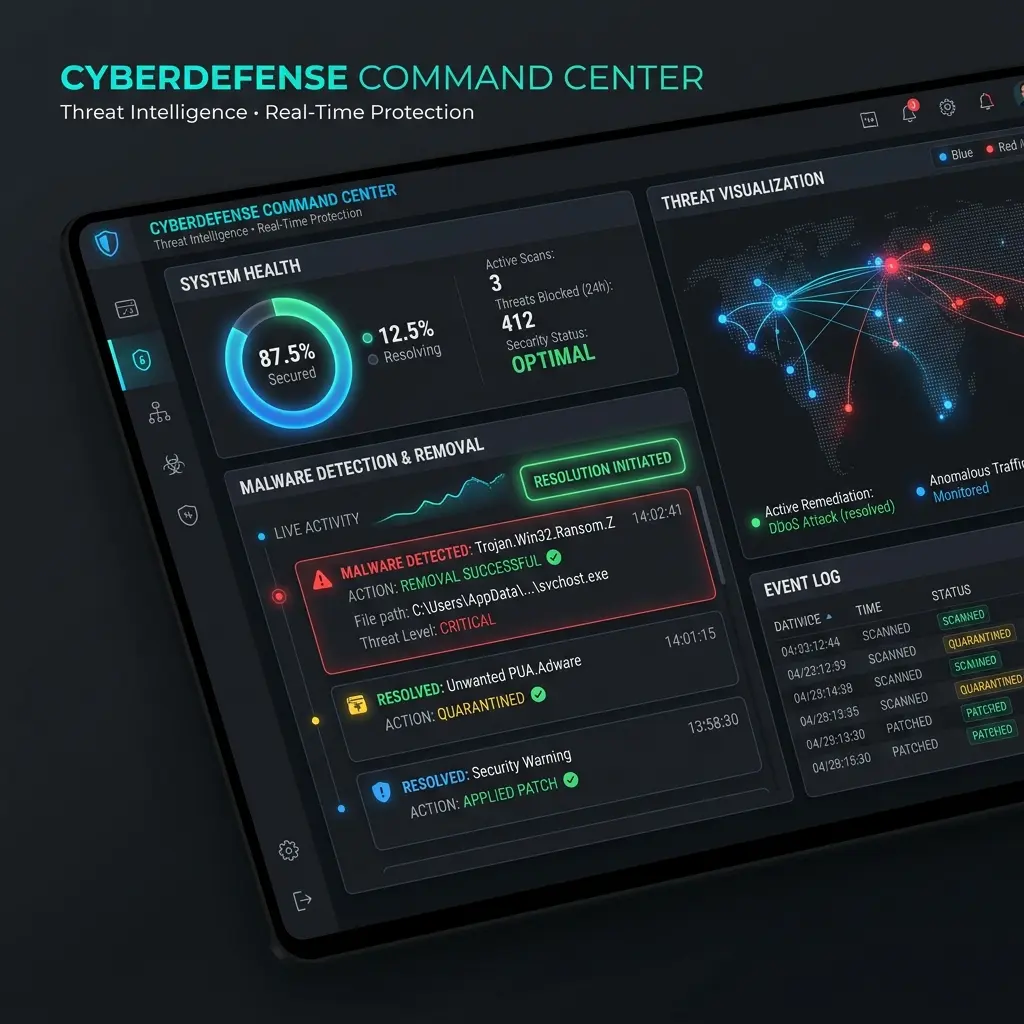
Infected files, Google warnings, and spam redirects removed; site fully restored and hardened.
Read the case study →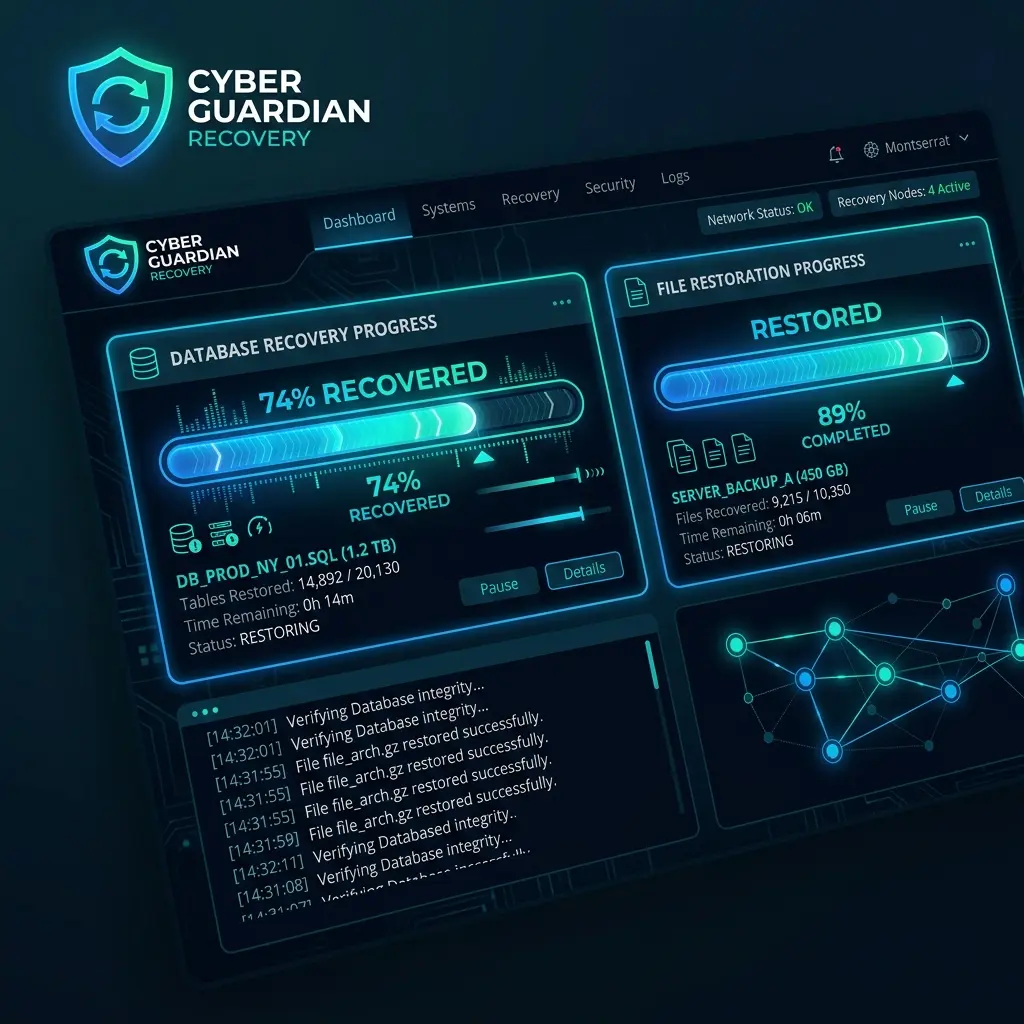
Site down, core files modified, backup and database restored with minimal downtime.
Read the case study →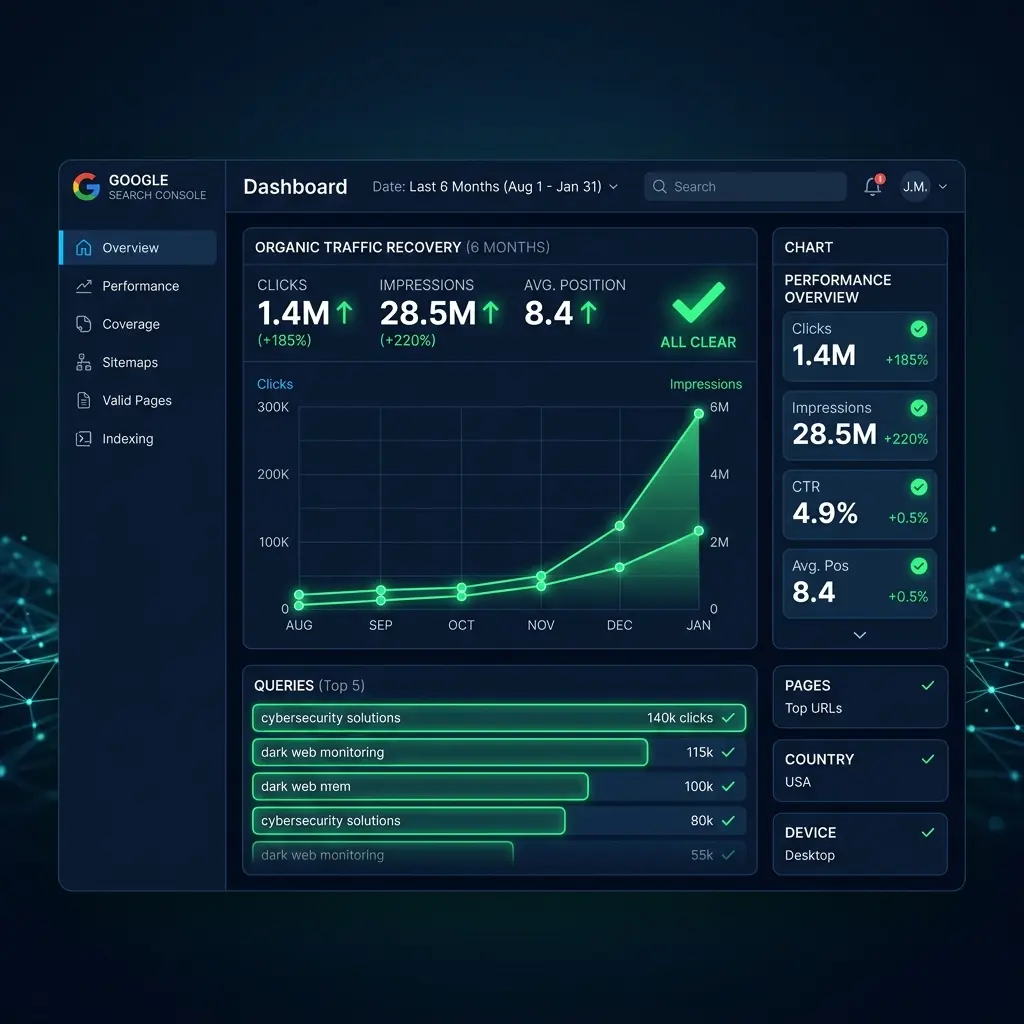
Unauthorized user removed, spam pages eliminated, search presence restored.
Read the case study →Clear answers about timing, access, blacklists, platforms and ongoing protection.
Most standard infections are resolved within a few hours of starting work. Complex, multi point breaches may take 24–48 hours.
Yes — hacks don't wait for business hours, so our recovery team is available 24 hours a day, 7 days a week.
Cleanup starts at $35 per site, with the exact price confirmed after our free initial analysis — and if we can't clean it, you don't pay.
Yes — blacklist removal and the Search Console reconsideration request are part of every recovery.
All four. Our team works across WordPress, Joomla, Magento, and Moodle recovery daily.
We offer ongoing security monitoring and hardening plans specifically to prevent reinfection.
Yes, admin/hosting access is required to perform a full cleanup — all access is handled securely and can be revoked after the job.
Send your website URL, CMS platform and a short description of what you are seeing. A recovery specialist can review the issue and confirm the next steps.
Loading secure emergency recovery form...